Drop your image here
or click to browse
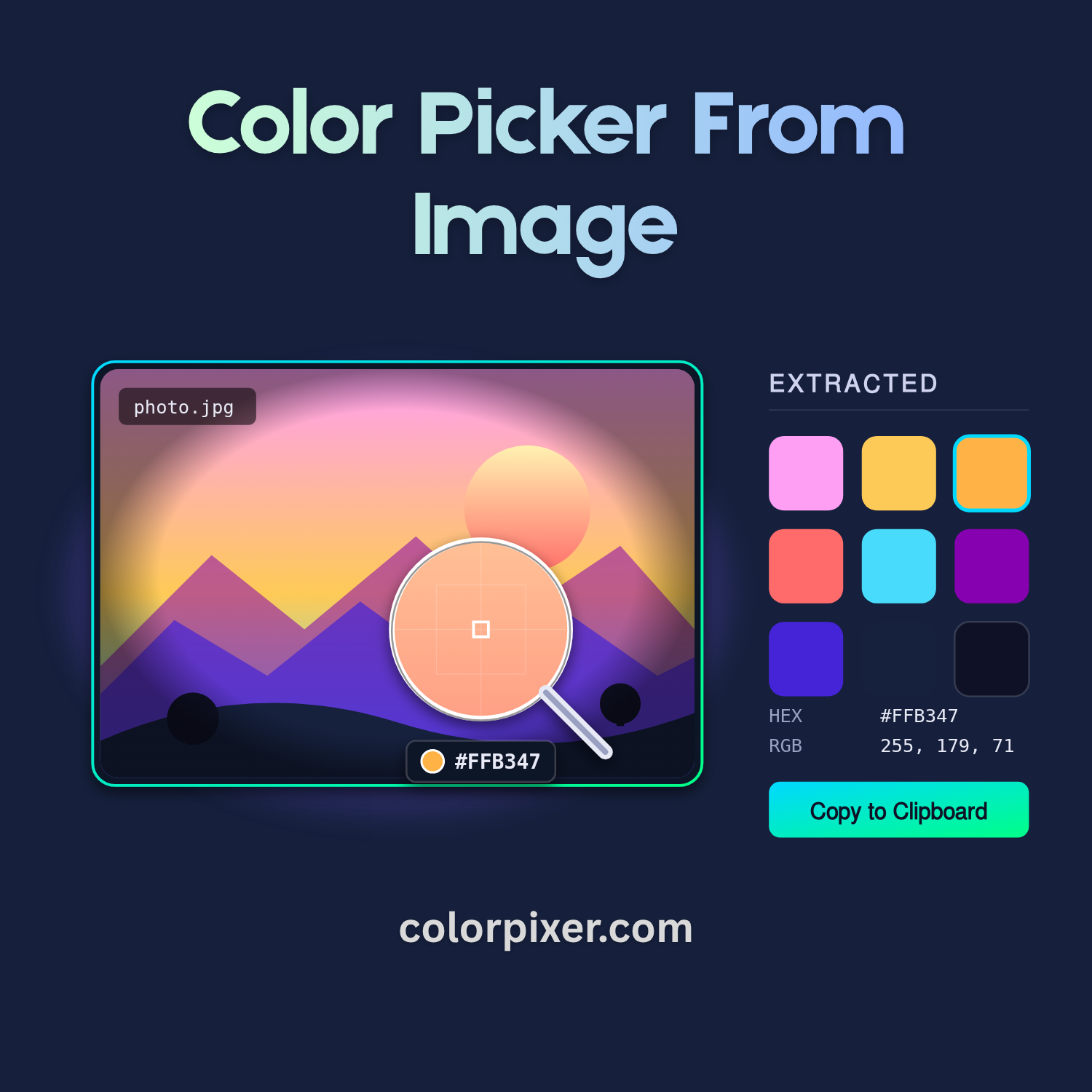
The Image Color Picker is a free browser-based tool that lets you extract exact colors from any photograph, screenshot, or design mockup. Simply upload an image — or drag and drop it — and hover your cursor to see a magnifier loupe that previews the precise pixel color beneath the crosshair. Click anywhere on the image to lock in a color, then copy its HEX or RGB value with a single click.
Whether you are a graphic designer matching brand colors, a web developer pulling values from a comp, or a hobbyist building a mood board, the Image Color Picker streamlines your workflow.
An 8x zoom magnifier follows your cursor so you can sample pixel-perfect colors — no guessing required.
The tool automatically identifies the dominant colors in your image and displays them as an editable palette.
Pin colors on the image with markers you can drag to fine-tune the exact sampling position.
Click any swatch or value to instantly copy HEX or RGB codes to your clipboard — ready to paste into CSS, Figma, or any design tool.
A color palette is the foundation of any visual design — and the fastest way to build one is to pull it directly from a photo, illustration, or screenshot you already love. The Image Color Picker analyzes every pixel in your uploaded image, clusters them by perceptual similarity, and surfaces the most representative colors as a ready-to-use palette in the Extracted Colors panel.
You stay in full control of how the palette is generated. Use the + / − controls to increase or decrease the number of dominant colors — pull just three for a minimal brand palette, or expand to a dozen for a richer mood board. Click any extracted swatch to copy its HEX code, or use the locate button to see exactly where in the image that color appears, so you can verify it represents the region you care about.
Want something more specific than the auto palette? Hover the image and use the magnifier loupe to sample exact pixels, then press Add to Palette to pin them to your custom palette on the side. Mix auto-extracted dominants with hand-picked accents to build a balanced scheme — perfect for web design, branding, illustration, interior decor, or matching colors across photos for a consistent feed. Your palette is saved in your browser, so it stays ready the next time you return.
Upload any image, pick colors with pixel precision, and build a palette you can use anywhere.